Build your carta dei vini once. Print it, show it on a QR at the table, and change a price or mark a wine sold out in seconds — everywhere at once. Guests browse the full list from their phone, with tasting notes and pairings.
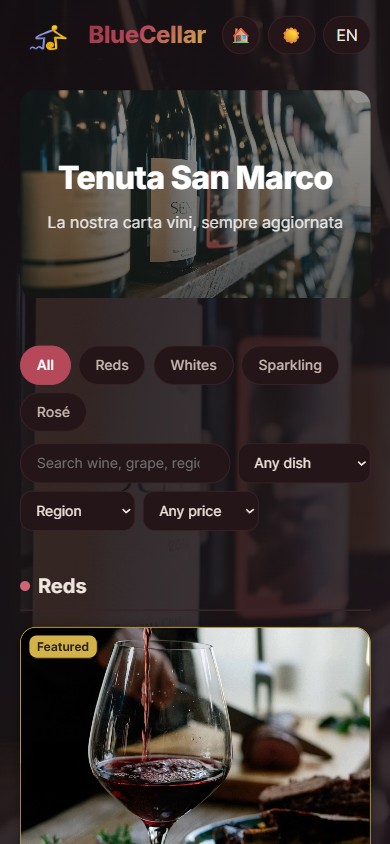
Your list lives in one place; the printed menu, the table QR and the guest's phone all read from it.
Add wines with prices, tasting notes and pairings, organise them by section, and mark anything sold out in a tap. Every change shows instantly on the QR menu.
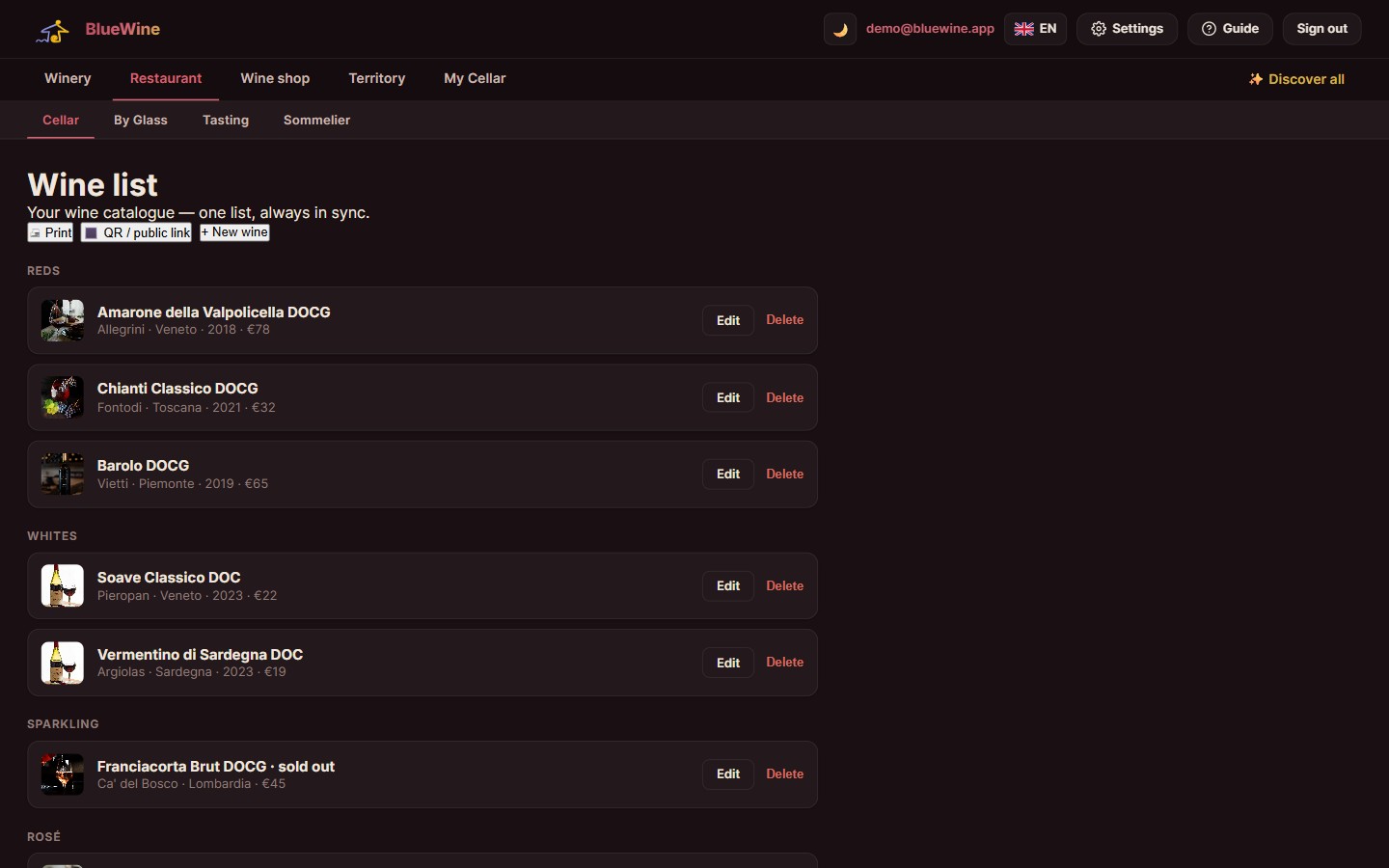
A QR on the table opens the full list on the guest's phone — filterable, with tasting notes and food pairings, in their own language, always up to date.
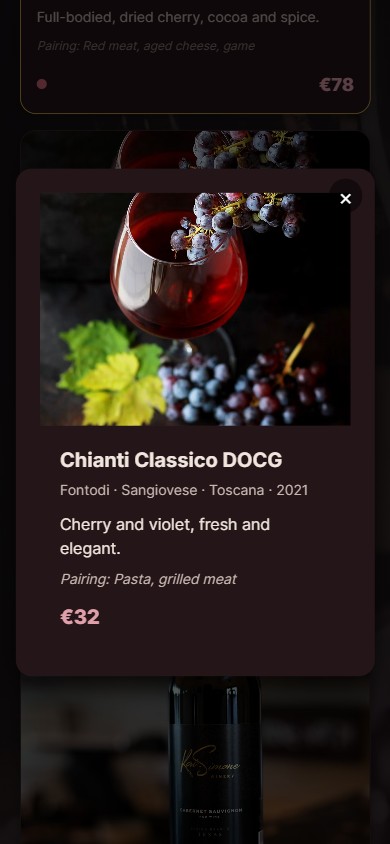
Add wines, prices, notes and pairings, in sections.
Print the QR and the paper menu from the same list.
Change a price or sell-out and the QR menu updates at once.
They scan a QR code at the table or open a link. It opens in the phone browser — no app, no account, nothing to install.
Yes. The printed menu and the QR list come from the same wines, so they cannot drift apart. Change a price once and both are right.
You mark it and it stops showing to guests. No more apologising at the table for a wine that ran out last week.
Yes. You create the sections and drag wines into the order you want; guests see exactly that arrangement.
Yes, per wine, photos included — they are compressed on upload so the list still opens quickly on a phone in a restaurant with poor signal.
Yes, there is a food pairing side to it, so a guest can start from the dish rather than from a list of four hundred labels.
Yes. You write the wine's description in the languages your tables actually read.
No. You manage it from any browser; guests use their own phones.
Send it over and we import it. Most lists start as an Excel file or a PDF and that is a normal starting point.
EUR 6 per month. With wine by the glass, tastings and guest profiles, the Restaurant suite is EUR 15 a month for all four.
You export it. Your wines, prices and notes come out in a format you can open elsewhere.
Yes, and it is a fair part of what we do. If one of these is close but not quite what your work needs, we can shape it around you — a field you actually use, a step your day really has — or build something that does not exist yet. Write to us and say what is missing; if we think you are better off with something that already exists, we will tell you that too, even though it means not selling you anything.
Your guests already can. You add the languages you sell in and write the wine names, descriptions and e-label text in each, so a visitor reads the page in their own language. The admin panel you work in is English, Italian, Romanian or Greek; if you need the panel in another language, ask and we will do it for you.
Tell us about your list and we'll set up BlueCellar for you.
Get started